Destructuring in JavaScript
Unpacking Arrays and Objects Like a Pro

Imagine you just received a care package in the mail. Inside the box, there are three things: a book, a t-shirt, and some chocolates.
If you want to read the book, you don't carry the entire cardboard box to your bed. You open the box, extract the book, and leave the rest behind.
In JavaScript, we constantly receive "boxes" of data in the form of Objects and Arrays. For a long time, extracting that data was a repetitive, tedious process. Then, ES6 introduced Destructuring: a clean, elegant syntax that lets us unpack exactly what we need in a single line of code.
Let’s see how this modern syntax can instantly make your code cleaner and more professional.
What is Destructuring?
Destructuring is a special syntax in JavaScript that allows you to "unpack" values from arrays, or properties from objects, and assign them to distinct variables.
It doesn't change or destroy the original array or object. It simply copies the items out of the box and hands them to you.
Destructuring Arrays
Destructuring Arrays
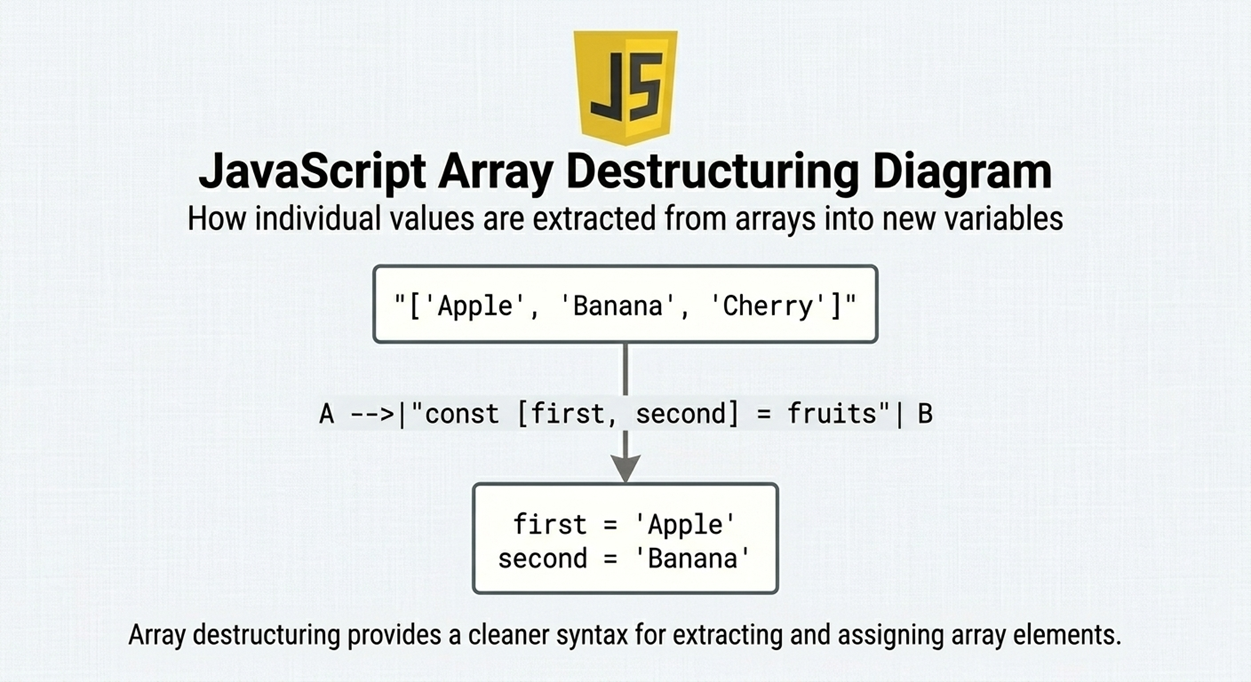
Arrays work a little differently. Because arrays don't have named keys (they use numbered indexes like 0, 1, 2), array destructuring relies on position and order.
We use square brackets [ ] on the left side of the equal sign.
The Old Way
const rgbColors = ["Red", "Green", "Blue"];
// Extracting by index
const primary = rgbColors[0];
const secondary = rgbColors[1];
const tertiary = rgbColors[2];
The Modern Way
const [primary, secondary, tertiary] = rgbColors;
console.log(primary); // Outputs: "Red"
console.log(tertiary); // Outputs: "Blue"
Destructuring Objects
When working with APIs or complex data, you will handle a lot of objects. Let's look at how we used to extract data versus how we do it now.
The Old Way (Dot Notation)
Before destructuring, if we wanted to get properties out of a user object, we had to repeat the object's name repeatedly.
const user = {
  name: "Alice",
  age: 25,
  role: "Developer"
};

// Before Destructuring
const name = user.name;
const age = user.age;
const role = user.role;
console.log(name, role); // Alice Developer
Look at how many times we had to type the word user!
The Modern Way (Object Destructuring)
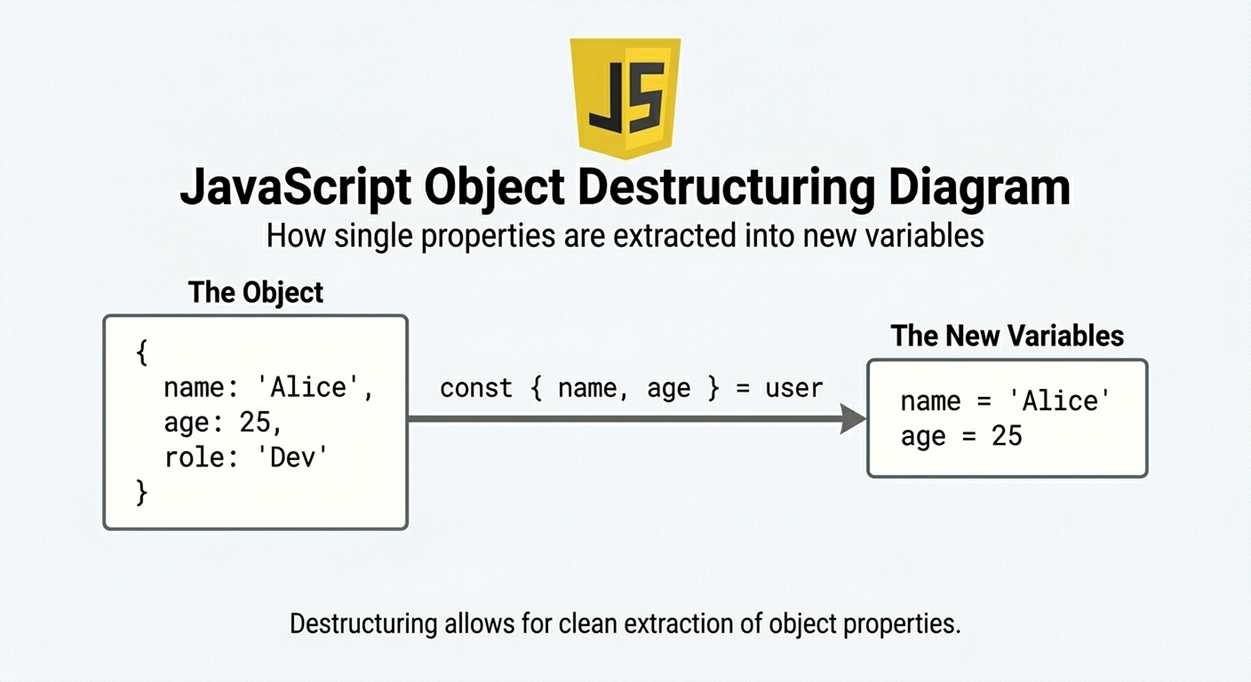
With destructuring, we use curly braces { } on the left side of the equals sign to tell JavaScript exactly which keys we want to pull out.
const user = {
  name: "Alice",
  age: 25,
  role: "Developer"
};

// After Destructuring (One line of code!)
const { name, age, role } = user;

console.log(name, role); // Alice Developer
The Power of Default Values (Backup Plan )
What happens if you try to unpack something that isn't in the box? You get undefined.
Sometimes, an API might send us an incomplete user profile. Destructuring allows us to set Default Values to prevent our code from breaking if data is missing.
const student = {
  name: "Rahul",
  course: "Web Development"
  // Notice there is no 'graduated' property
};

// We assign a default value using '=' right inside the curly braces
const { name, course, graduated = false } = student;
The Benefits of Destructuring
Why do senior developers love destructuring so much?
Reduces Repetitive Code: Say goodbye to typing data.user.profile.name a dozen times.
Improves Readability: Anyone reading your code instantly knows exactly which pieces of data you care about.
Perfect for Function Parameters: In modern frameworks like React, you will constantly destructure props right inside the function parentheses to keep components clean.
Safe defaults: Inline fallback values prevent crashes from missing data, no extra if-checks.
Easy swapping: Swap two variables in one line: const [a, b] = [b, a] no temp variable.
Practical Assignment
As part of my web dev cohort evaluation, here is a practical script combining object destructuring, array destructuring, and default values. You can run this directly in your browser console!
// 1. Destructuring an Array
const topMovies = ["Inception", "Interstellar", "The Dark Knight"];
const [movie1, movie2] = topMovies;
console.log(My top two movies are \({movie1} and \){movie2}.);

// 2. Destructuring an Object with Default Values
const developerProfile = { username: "coder_dude", language: "JavaScript", experience: "2 years" };

// Extracting properties and setting a default for 'githubLink'
const { username, language, githubLink = "Not provided" } = developerProfile;
console.log( User: \({username} Favorite Language: \){language} GitHub: ${githubLink});

// 3. Advanced Trick: Destructuring directly in a function parameter!

function printWelcomeMessage({ username }) {
  console.log(`Welcome to the dashboard, ${username}!`);
}
printWelcomeMessage(developerProfile);
// Outputs: "Welcome to the dashboard, coder_dude!"
Conclusion
Destructuring is syntactic sugar, meaning it doesn't do anything you couldn't do before, but it makes doing it so much sweeter. JavaScript destructuring is a powerful feature that can simplify your code and improve readability.
Once you get comfortable packing and unpacking data with {} and [], your JavaScript code will instantly look cleaner, more professional, and highly modernized. Stop carrying the whole box around; just grab what you need!
Destructuring is like…
“Bag se directly pocket me daalna bina extra steps ke.”


